


Type A (without AQS - cabin air quality system)
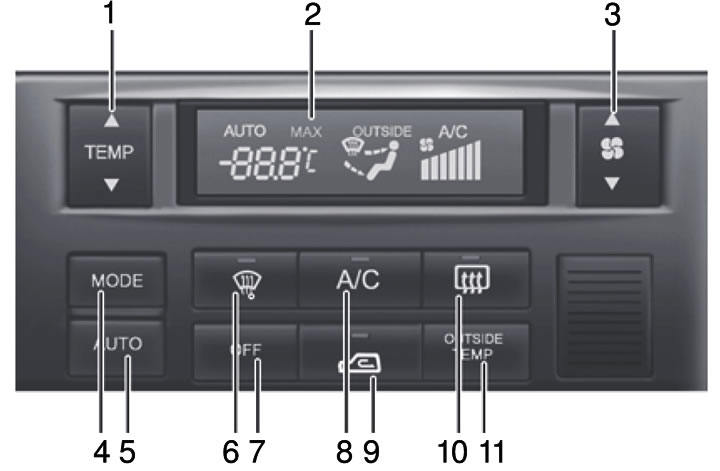
Type B (with AQS - cabin air purity system)
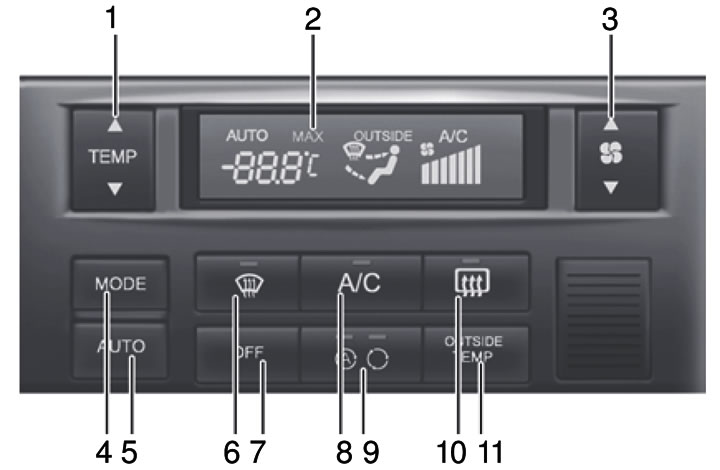
Control Panel
- 1. Temperature selection button
- 2. Display
- 3. Fan mode switching button
- 4. Ventilation mode selection button
- 5. Automatic control switch "AUTO"
- 6. Windshield heating switch
- 7. Climate control switch
- 8. Air conditioner switch
- 9. Air intake mode selection button / AQS switch - cabin air quality system (additional equipment)
- 10. Rear window defroster switch
- 11. Button for displaying outside air temperature readings
Work in automatic mode
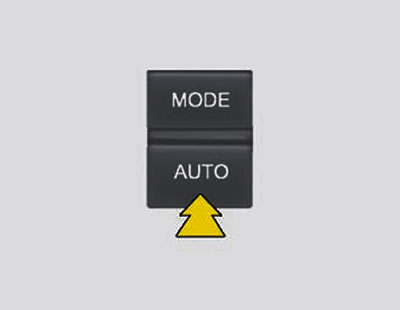
The automatic climate control system works as follows:
1. Press the "AUTO" button. The indicator lamp lights up, indicating that the air distribution control (to the face, floor and/or to the glass and floor), and the fan and air conditioner speeds will be adjusted automatically.
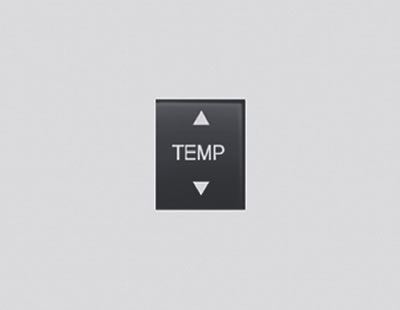
2. Set the desired temperature value by pressing the "TEMP" ("Temperature") button.
By pressing the G button, you can set the maximum temperature to 32°C. Each time you press the (▲) button, the temperature value increases by 0.5°C. By pressing the (▼) button, you can set the minimum temperature to 17°C. Each time you press the temperature value decreases by 0.5°C.
Note:
- When the battery is discharged or disconnected, the temperature selection mode switches to degrees Celsius, which is normal.
- You can switch the system to degrees Fahrenheit by:
- While pressing the "AUTO" button, press the "TEMP" button and hold the buttons for at least 3 seconds. The display will show that the system has switched to degrees Celsius or Fahrenheit (°C→°F or°F→°C).
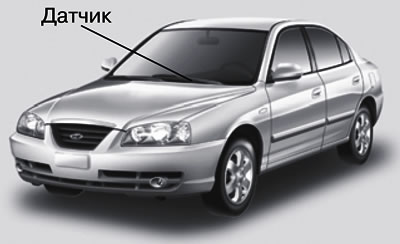
- To ensure normal operation of the air conditioning system, do not place any objects on the sensor located on the instrument cluster visor.
Button for displaying outside air temperature readings
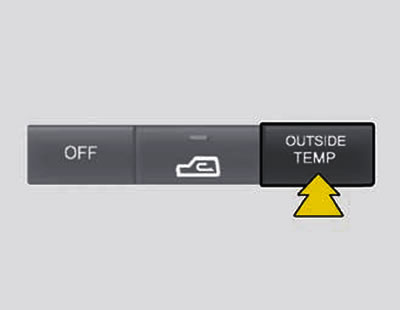
When the button is pressed, the liquid crystal display (LFD) displays the outside air temperature.