


Contents: Fan mode switching button ⇓ Air intake mode selection button…⇓ Outdoor air intake mode ⇓ Recirculation mode ⇓ Air intake mode selection button…⇓ Air conditioner switch ⇓ Disabling the climate control system ⇓ Separate air temperature control…⇓ Adjusting the same air temperature…⇓ Ventilation mode selection switch ⇓
The climate control system can be controlled manually by pressing all buttons except the automatic control switch "AUTO". In this state, the system operates according to the position of the selected buttons.
Control of modes not set manually is performed automatically.
To switch to automatic operation mode, press the automatic control switch "AUTO".
Fan mode switching button
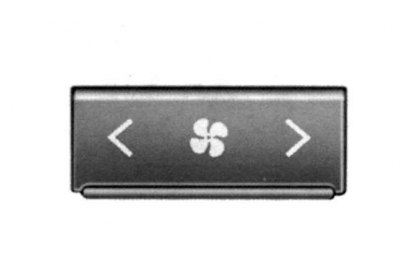
Fig. 1.132. Fan mode switching button
By pressing the corresponding part of this button, you can select the desired fan speed (Fig. 1.132). The higher the speed, the more air is supplied. By pressing the "OFF" button, you can turn off the fan.
Air intake mode selection button (without air quality testing system)
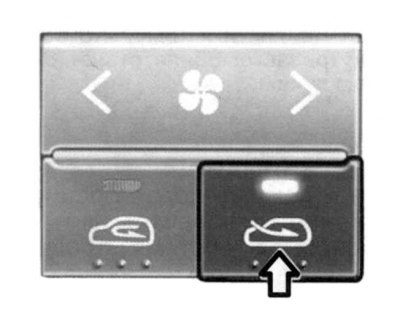
Fig. 1.133. Air intake mode selection button
This system is designed to select the outside air intake mode or the recirculation mode (Fig. 1.133). To change the mode, press the corresponding button.
Outdoor air intake mode
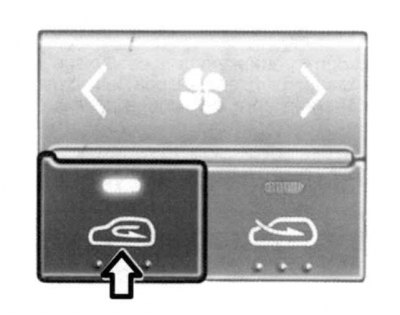
Fig. 1.134. Button for selecting the outside air intake mode
The indicator light on the button lights up when the outside air intake mode is on.
Recirculation mode
The indicator light on the button lights up when the recirculation mode is on.
When the outside air intake mode is switched on, outside air is supplied to the vehicle interior, heated or cooled depending on the selection of other functions.
When the recirculation mode is on, the air in the vehicle's interior is recirculated and heated or cooled depending on the selection of other functions.
Note: Using the air recirculation mode for a long time may cause the windshield and side windows to fog up and the air inside the vehicle to become stale. In addition, using the air conditioner in the air recirculation mode for a long time may cause the air inside the vehicle to become too dry.
Air intake mode selection button (with air quality testing system)
This system is used to automatically select outside or recirculated air to be supplied to the vehicle interior.
Caution: If condensation forms on the windows when the air quality system is switched on or when the recirculated air mode is selected, switch to the outside air mode or switch off the air quality system.
Air conditioner switch
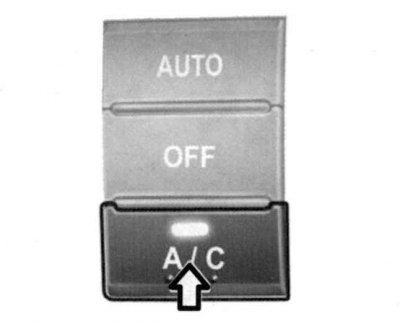
Fig. 1.135. Air conditioner off button
The air conditioner is turned on and off by pressing the air conditioner switch button on the ventilation system control panel (Fig. 1.135).
Disabling the climate control system
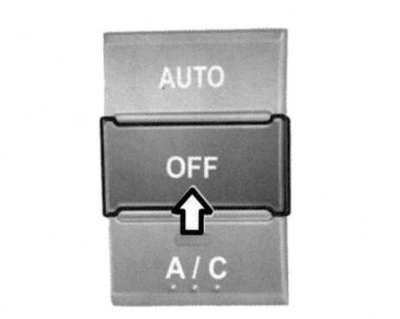
Fig. 1.136. Climate control off button
Press the "OFF" button to turn off the climate control system (Fig. 1.136).
Separate air temperature control switch
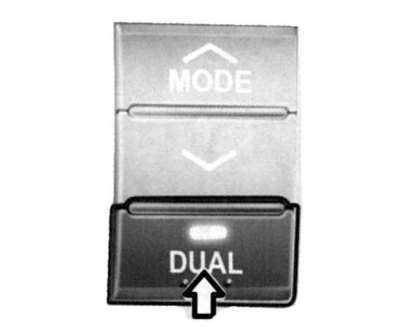
Fig. 1.137. Switch for separate air temperature control
When you press the "DUAL" button or turn the "TEMP" switch on the passenger side (Fig. 1.137), the air temperature on the driver's side and on the front passenger side changes. (The indicator lamp on the button will light up).
Adjusting the same air temperature on the driver's side and the front passenger's side
Pressing the "DUAL" button again will turn off the separate temperature control function for the driver's side and the front passenger's side. (The indicator light on the button will go out.) The temperature on the front passenger's side will be the same as that on the driver's side.
Ventilation mode selection switch
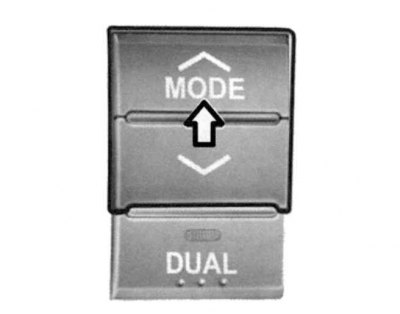
Fig. 1.138. Ventilation mode selection switch
The publication is borrowed from the website [HYUNDAIBOOK.RU]
This switch is used to select the direction of air flow to the feet, through the deflectors into the passenger compartment or to the windshield (Fig. 1.138). To indicate the ventilation modes (to the head area; in the leg area/in the head area; in the leg area; (in the foot area/to the windshield and side window heating deflectors) four symbols are used.