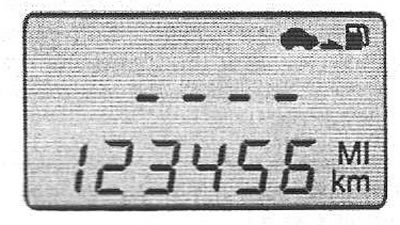


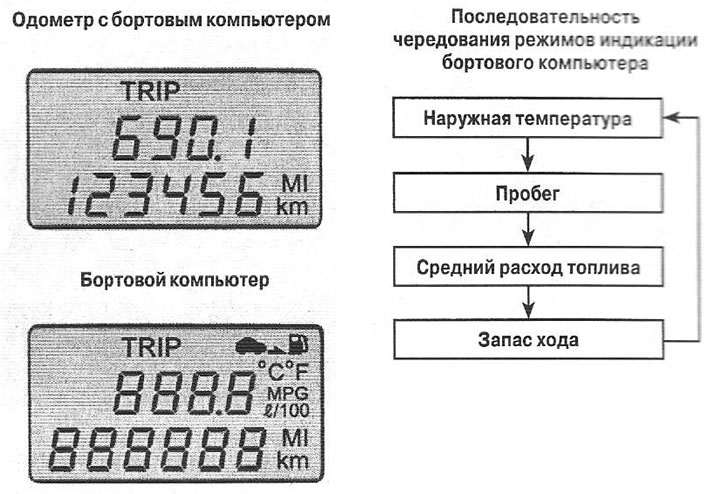
Pressing the TRIP switch changes the display mode of the information. Pressing and holding the TRIP button for 1 second displays information such as mileage, average engine speed, fuel consumption and trip time.
Outdoor Temperature Mode (°C/°F)
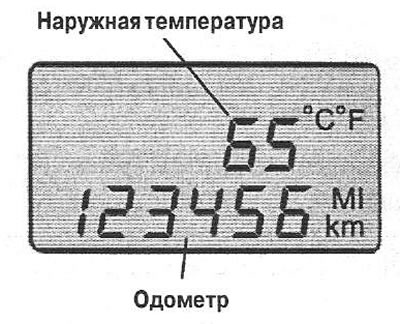
The display shows the outside air temperature within the range of -40°C (-40°F) up to 80°C (176°F). Holding down the TRIP button for 1 second changes the temperature units.
Mileage mode (kilometers or miles)
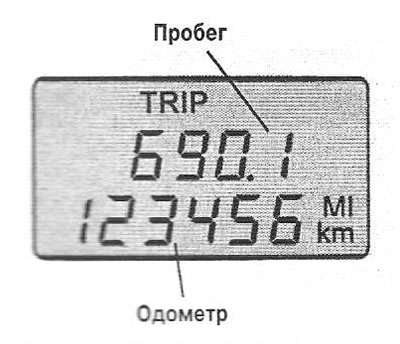
The display shows the total mileage of the vehicle since the last reset. The range of readings is from 0 to 999.9 km.
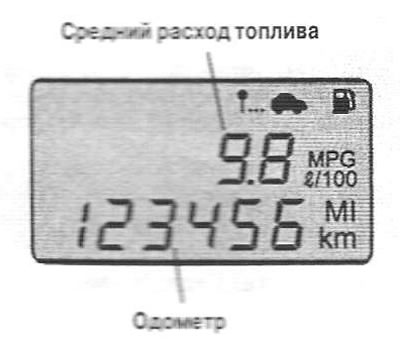
Mode "Average fuel consumption" (l/100 km)
The original source of the article is the website: HyundaiBook.ru
The display shows the average fuel consumption since the last reset, as well as the total amount of fuel consumed.
Range Mode (km or miles)
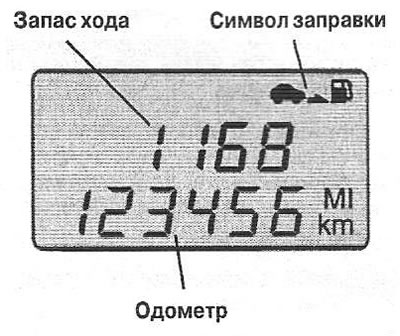
The display shows the distance the car can travel with the available fuel in the tank. The computer recognizes refueling if more than 8 liters are filled. To ensure accurate calculations (after disabling TRIP), it is necessary to drive at least TRIP.
When there is enough fuel left in the tank for 50 km of travel, the numbers on the display are replaced by dashes and the refueling symbol starts flashing.