


Contents: Speedometer ⇓ Tachometer ⇓ Engine temperature gauge ⇓ Fuel level indicator ⇓ Outdoor air thermometer ⇓ On-board computer ⇓
Speedometer
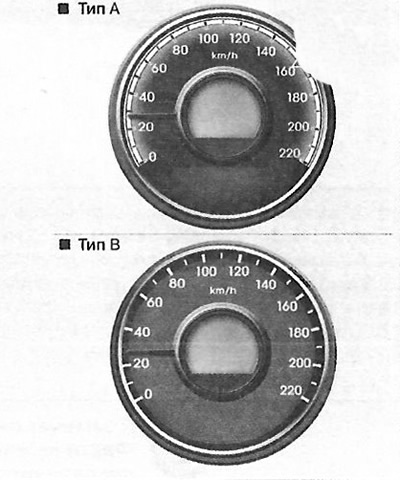
The speedometer shows the speed of the car.
It is marked in the metric system of units of measurement (km/h).
Tachometer
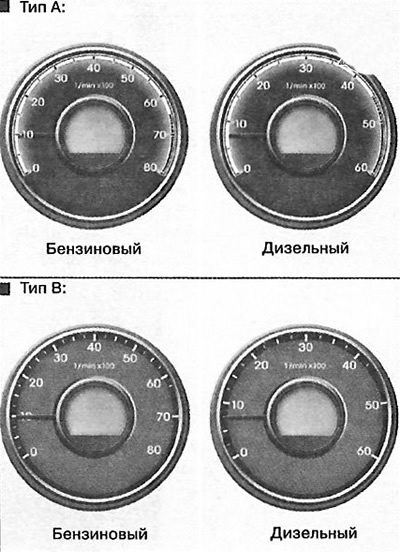
The tachometer shows the approximate speed of the car's engine in revolutions per minute (rpm).
Use the tachometer to select the correct gear shift timing to prevent the engine from running rough or at high speed. When you turn the ignition key to the ACC (Accessory) or ON (ON) position with the engine OFF, the tachometer needle may move slightly. This is normal and does not affect the accuracy of the tachometer reading when the engine is running.
Warning: Do not operate the engine at a speed corresponding to the red zone of the tachometer. This may cause serious damage to the engine.
Engine temperature gauge
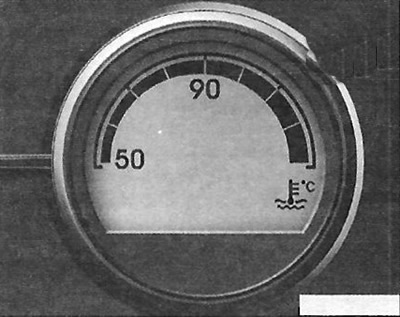
This gauge shows the engine coolant temperature when the ignition switch is in the ON position. Stop driving if the engine overheats.
Caution: If the pointer moves beyond the normal temperature zone, towards the position, this indicates overheating, which may cause engine damage.
Caution: Never open the radiator cap when the engine is hot. The coolant is under pressure and may spray out, causing serious burns. Wait until the engine has cooled down before adding coolant to the expansion tank.
Fuel level indicator
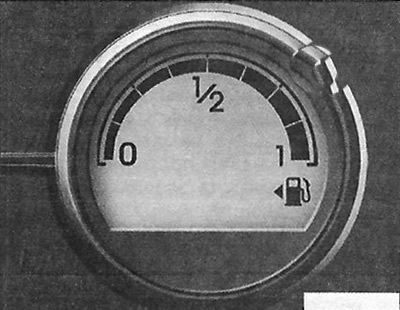
The fuel gauge shows the approximate level of fuel in the fuel tank. In addition to the fuel gauge, the vehicle is equipped with a low fuel warning light that lights up when the fuel tank is almost empty. On slopes and curved sections of the road, due to the movement of fuel in the tank, the fuel gauge needle may fluctuate. In this case, the low fuel warning light may flash or start to light continuously earlier than usual.
Attention. Depletion of the entire fuel supply may endanger the occupants of the vehicle. You must stop and add additional fuel as soon as possible after the warning signal is activated or when the fuel gauge approaches the "0" mark (empty).
Caution: Avoid driving if the fuel level is very low. Lack of fuel can cause misfires and overload the catalytic converter.
Outdoor air thermometer
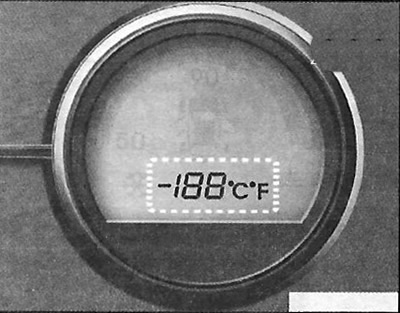
The current outside air temperature is displayed with a resolution of 1°C. The permissible temperature range is 40-60°C. The change in outside air temperature on the display may not be displayed immediately, as on a household thermometer, so as not to distract the driver's attention.
On-board computer
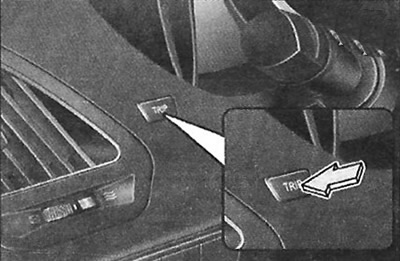
The trip computer is a microprocessor-controlled information system that, when the ignition key is in the ON position, displays various driving data. This data includes: odometer readings, trip meter readings, distance that can be traveled on the remaining fuel in the tank, average speed, average fuel consumption, current fuel consumption, etc. All stored driving information (except for total mileage, fuel reserve and current fuel consumption) is reset when the battery is disconnected. The total mileage is displayed continuously unless the display is turned off.
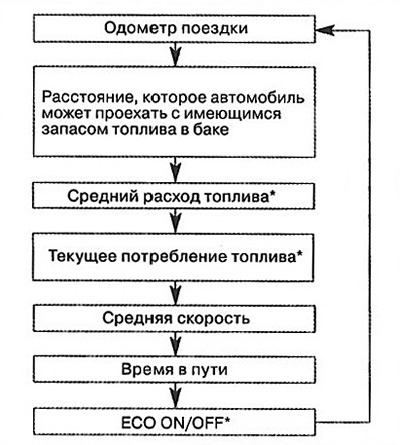
Note: *Subject to availability.
Odometer (km)
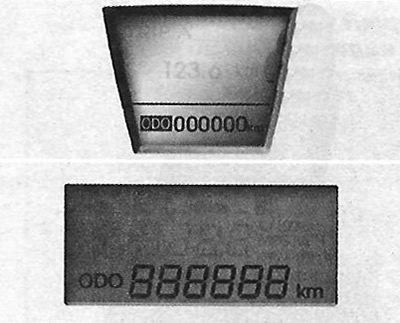
The odometer shows the total distance the vehicle has traveled. It can also be useful in determining when periodic maintenance is due.
Trip odometer (km)
The material is reprinted from another resource www.hyundaibook.ru
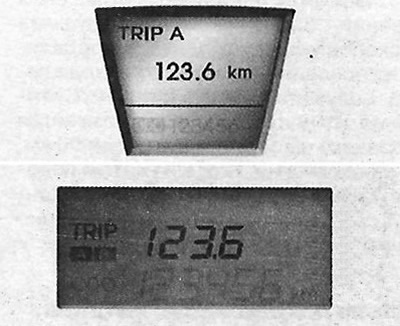
In this mode, the display shows the distance the vehicle has traveled since the trip odometer was last reset. The display range is from 0.0 to 999.9 km. Pressing the TRIP button for more than one second while the display is in the trip odometer mode resets the trip odometer to 0.0.
The distance a vehicle can travel with the amount of fuel in the tank (km)
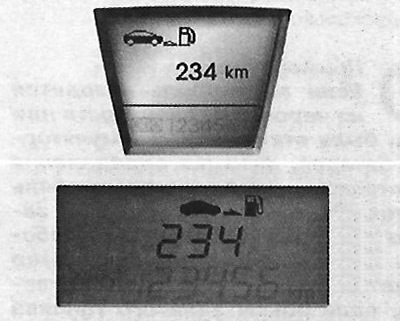
In this mode, the trip computer displays an estimated distance that the car can travel with the available fuel in the tank, based on the amount of fuel in the tank and fuel consumption. If the value of this indicator is less than 50 km, an empty line ("--") will appear on the display and the indicator will start flashing. The working range of the indicator is from 50 to 999 km.
Average fuel consumption (if equipped) (l/100 km)
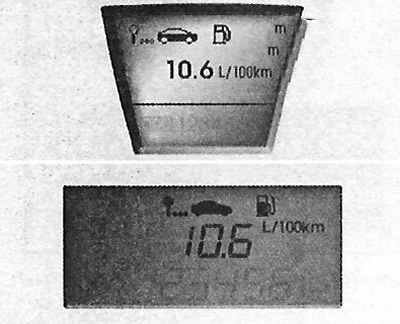
In this mode, the trip computer calculates the average fuel consumption based on the volume of fuel consumed and the distance traveled since the last reset. The value of the total volume of fuel consumed is determined based on the fuel consumption data received by the computer. Optimum calculation accuracy is achieved when driving a distance of more than 50 km. Holding the TRIP button down for more than one second when the display is in the average fuel consumption display mode resets the readings to zero ("--").
Current fuel consumption (if available) (in l/100)
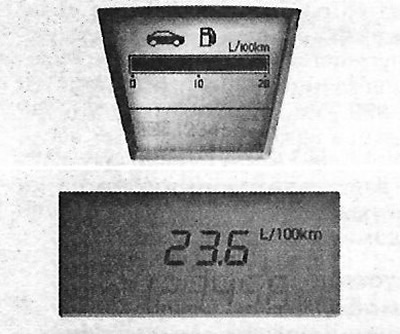
This mode calculates the current fuel consumption over the last few seconds.
Note
- If the vehicle is on an uneven surface or if the battery has been disconnected, the function for determining the distance the vehicle can travel with the available fuel in the tank may not work accurately. The trip computer may not take into account refueling if the volume of fuel added was less than 6 liters.
- Fuel consumption (if any) and the distance the vehicle can travel with the available fuel in the tank may vary depending on driving conditions, driving mode and vehicle condition.
- The distance a vehicle can travel with the amount of fuel in the tank is an estimate of the distance the vehicle can actually travel. This value may differ from the actual possible range.
Average speed (km/h)
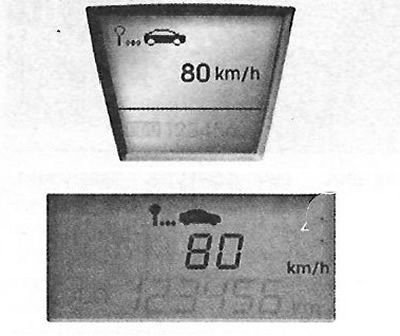
In this mode, the average speed of the vehicle is determined since the last reset. Even if the vehicle is stationary, the average speed is still calculated while the engine is running. Holding the TRIP button down for more than one second while the display is in the average speed display mode resets the display to zero ("--").
Travel time
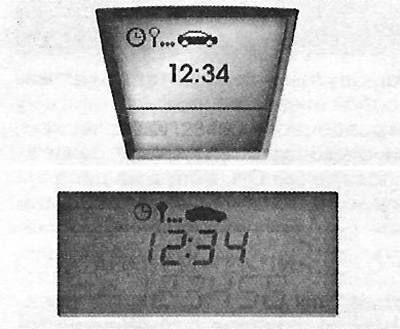
In this mode, the display shows the total travel time of the vehicle since the last reset. Even if the vehicle is stationary, the travel time continues to be counted as long as the engine is running. The working range of the display is from 0:00 to 99:59. Holding the TRIP button down for more than one second while the display is in the travel time display mode resets the display to zero ("0:00"). ECO ON/OFF mode (petrol only, if available)
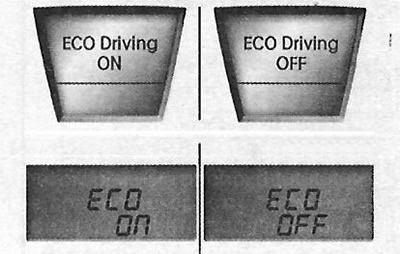
In this mode, you can turn on or off the ECO indicator on the instrument cluster. If you press and hold the TRIP button for more than one second while the ECO mode is on, the screen will display: "ECO OFF", and the ECO indicator will turn off while driving. To display the ECO indicator again, you must press and hold the TRIP button in the ECO OFF mode for more than one second, after which the screen will display the ECO ON mode. If you press the TRIP button for less than one second in the ECO mode, the mode will switch to the trip meter.